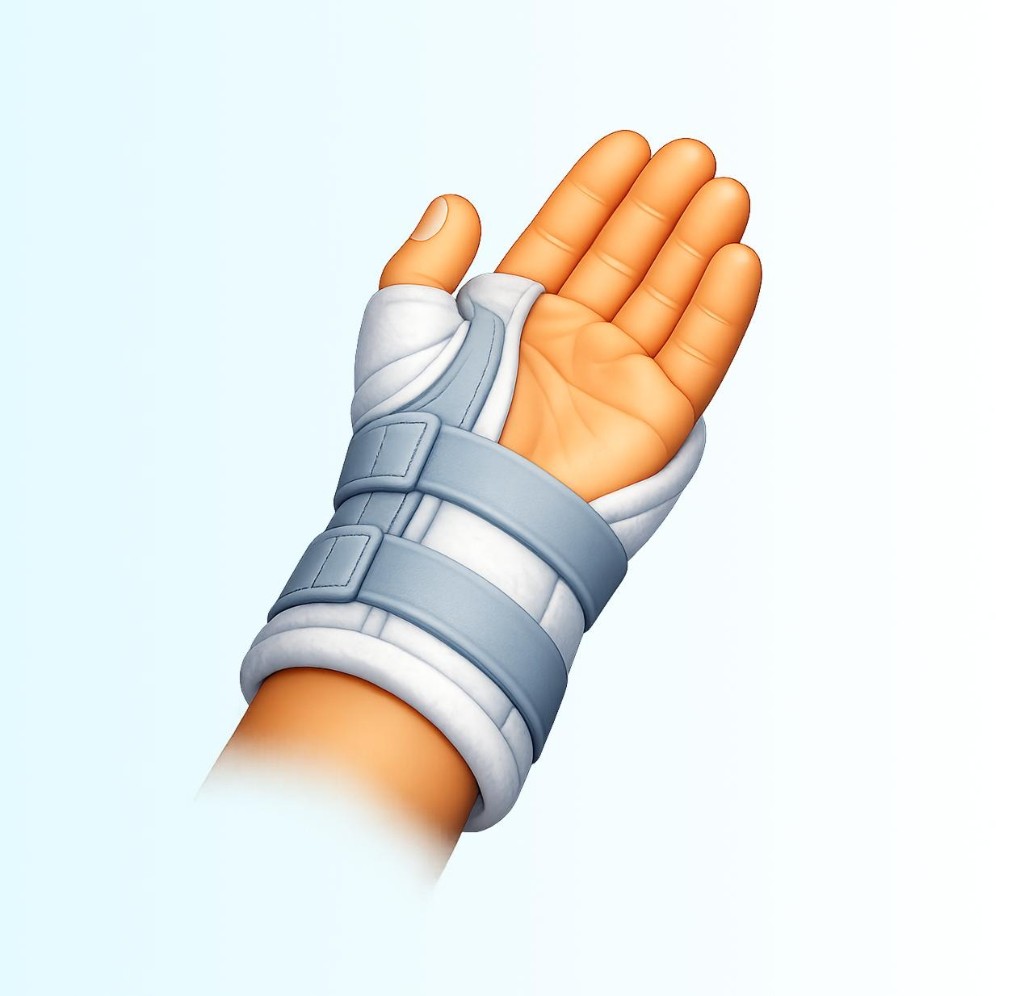
Goals, sensations, and stop rules on every card — tap to run a timed session with large controls.
Hand-heavy jobs & pacing
Education profiles for work-shaped loads — not job-site clearance.
Patient hub (hand-heavy)·Movements (desk / wrist)·Job profiles·Reels (my program)
11 / 37 exercises — filters apply instantly.
11 exercises match the current filters.
1 Set • 3 Reps
Use slow circles or gentle strokes along a healed scar to loosen tight tissue and improve glide — distinct from texture desensitization, but often used in the same recovery phase.
Prep: No special equipment
2 Sets • 5 Reps
Use the opposite hand to gently straighten the fingers and stretch the palm open when active extension is limited.
1 Set • 5 Reps
Briefly activate the small hand muscles, then exhale and ease the palm wider — a neuromuscular pacing drill sometimes used for tight hands when a therapist has taught you the pattern.
Form an 'O' by touching the thumb to the index finger on both hands to train pinch control and finger dexterity.
2 Sets • 8 Reps
Turn the palm down and up while the elbow stays steady — a staple motion for forks, doorknobs, and tools.
Prep: Stick, dowel, or pen (rotation aid)
1 Set • 4 Reps
With the forearm supported and palm up, ease the wrist toward extension to stretch the front of the forearm — common after typing or gripping.
Hold the big knuckles bent and the smaller finger joints straight to lengthen the small intrinsic muscles of the hand — used after stiffness from immobilization or burns.
2 Sets • 6 Reps
Stabilize the small finger joints while bending only the big knuckles — a classic hand-therapy drill to regain isolated MCP flexion and extension after stiffness or immobilization.
Progress through textures — from soft to firmer — to help the nervous system tolerate touch around healed scars.
Prep: Cloth or texture swatches
Touch the tip of each finger with the thumb to rebuild fine motor control for buttons, keys, and writing.
Touch the thumb to each fingertip in turn, then open the hand wide to train precision and thumb opposition.
Voice commands
This browser does not support speech recognition for hands-free commands. Keyboard shortcuts still work on sessions and Reels.
Hand-friendly shortcuts
Splinted hand, limited reach, or no voice? Scroll the page with large buttons, double-tap Scroll down within a moment to change step size, and mute session sounds without digging into settings.
Step size: Medium steps — double-tap Down to cycle.